
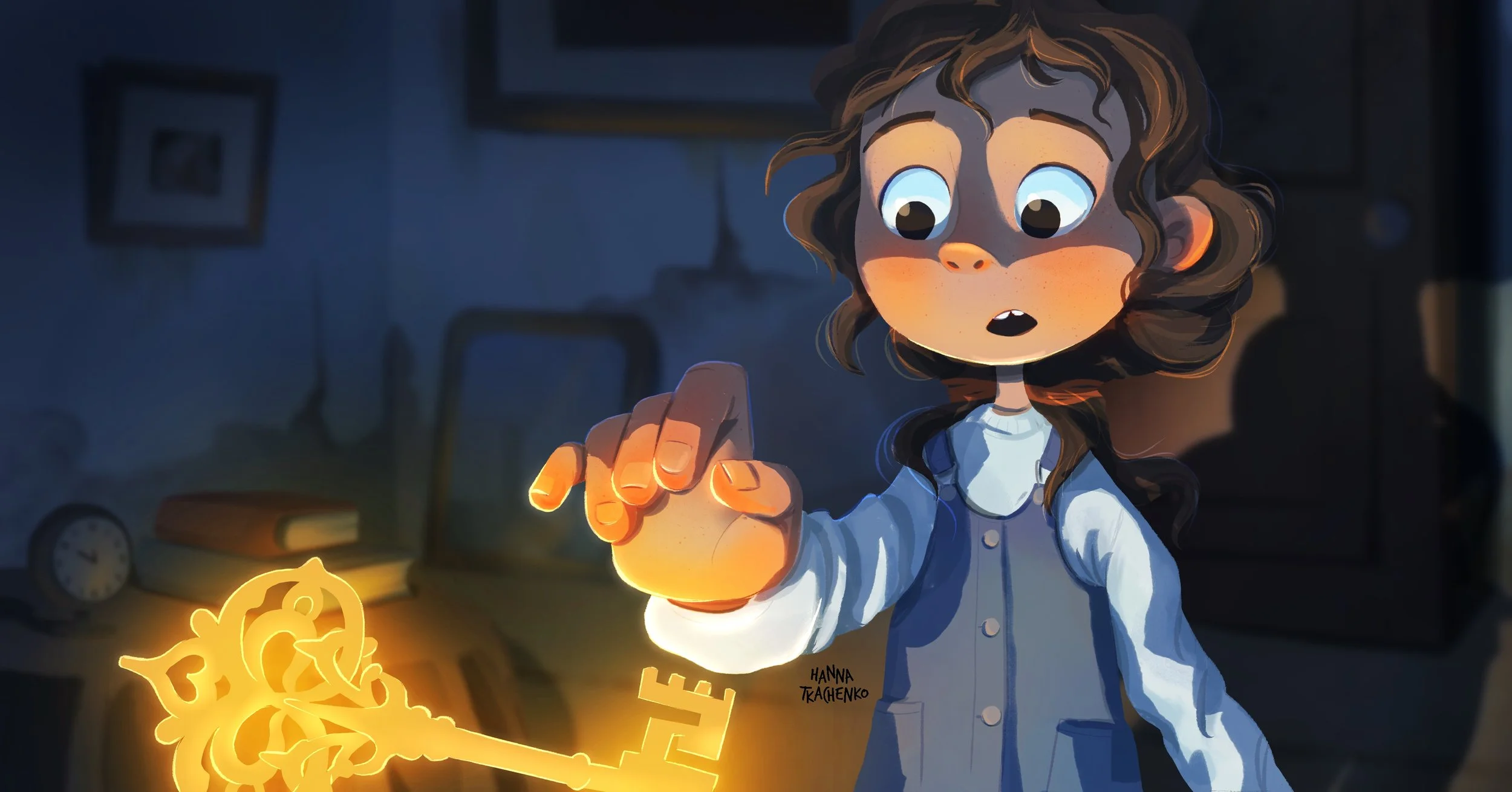
40-Page Step-by-Step Lighting Tutorial IN Procreate
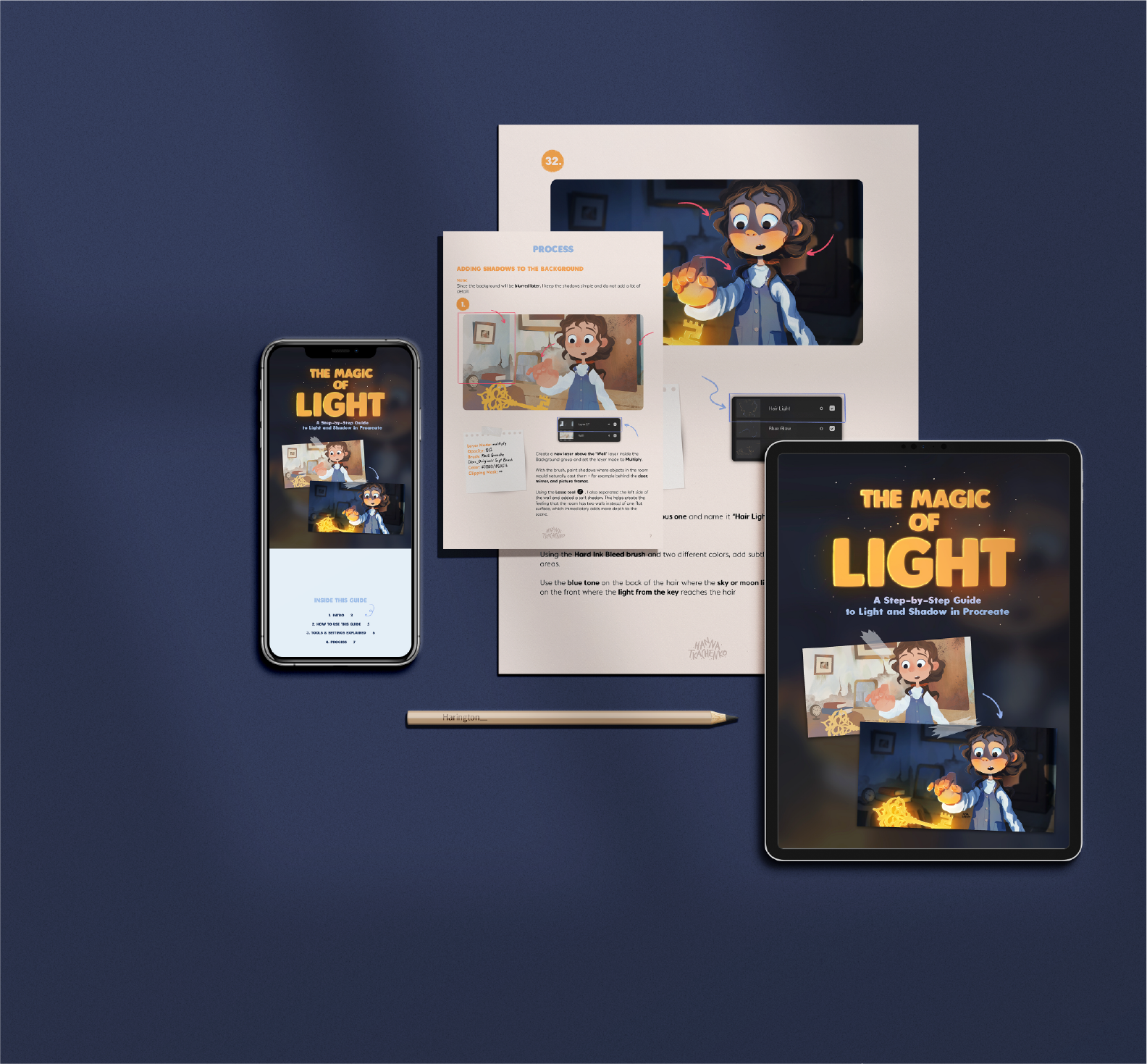
Learn how I paint magical lighting in my illustrations from start to finish. This 40+ page PDF guide explains every step of my process, including layers, brushes, blending modes, colors, and lighting techniques used in Procreate and Photoshop.

Learn How to Create Glowing Light and Atmosphere in Procreate
• 40-page PDF with a complete step-by-step breakdown
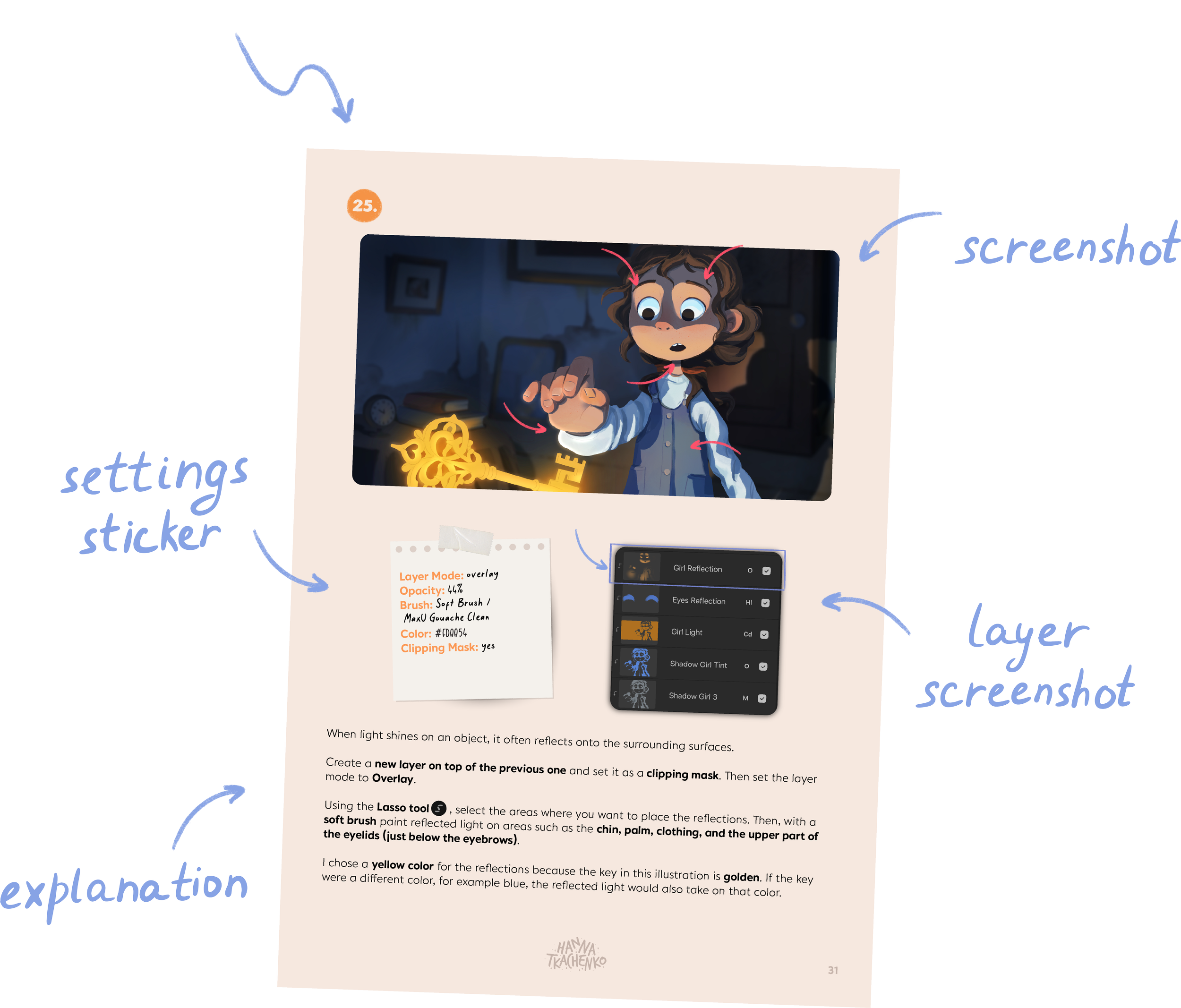
• Layer settings for every step (including HEX colors, brushes, opacity, and layer modes)
• Introduction to how I plan my lighting
• Brush list and Procreate features used
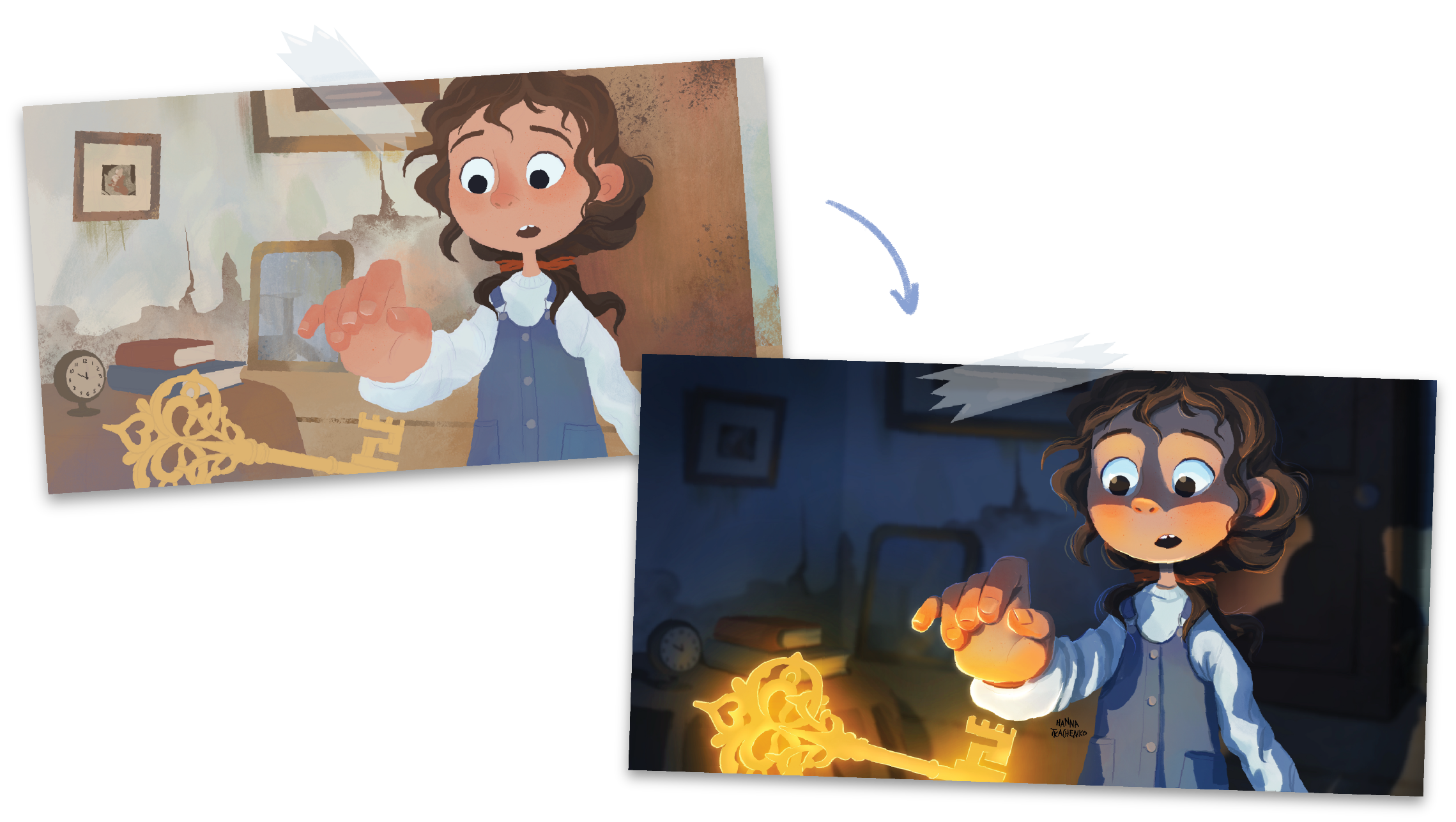
• Before-and-after process examples
What's inside.
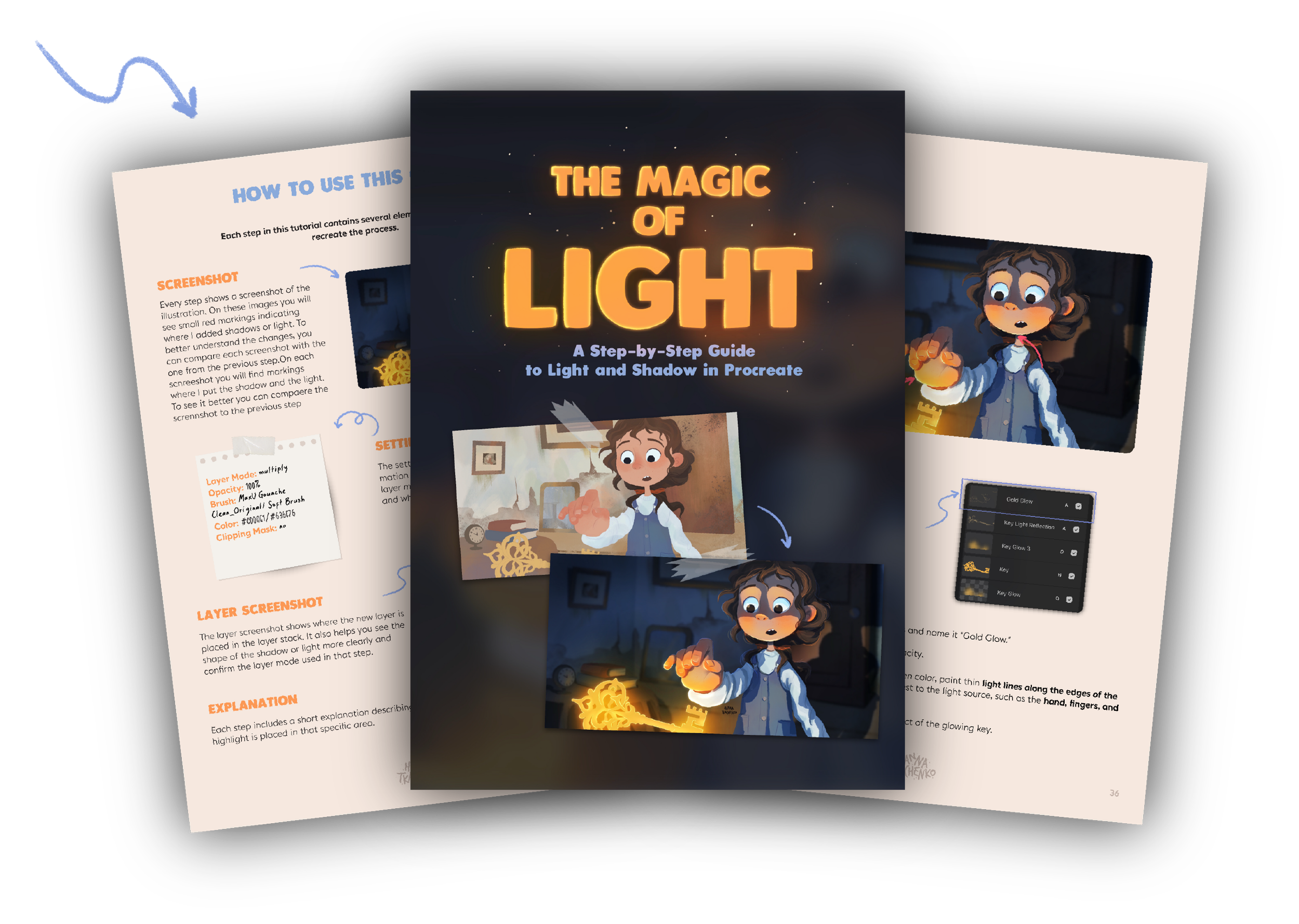
This 40-page step-by-step guide walks you through the full process of adding light and shadow to an illustration. Each step is explained in detail - including layer modes, brushes used, colors, and the thinking behind every lighting decision.
Every Step Includes.
Everything you need to recreate the process.
What you'll learn
• Plan your light source
• Create glowing reflections
• Add depth with light and shadow
• Use layer modes with confidence
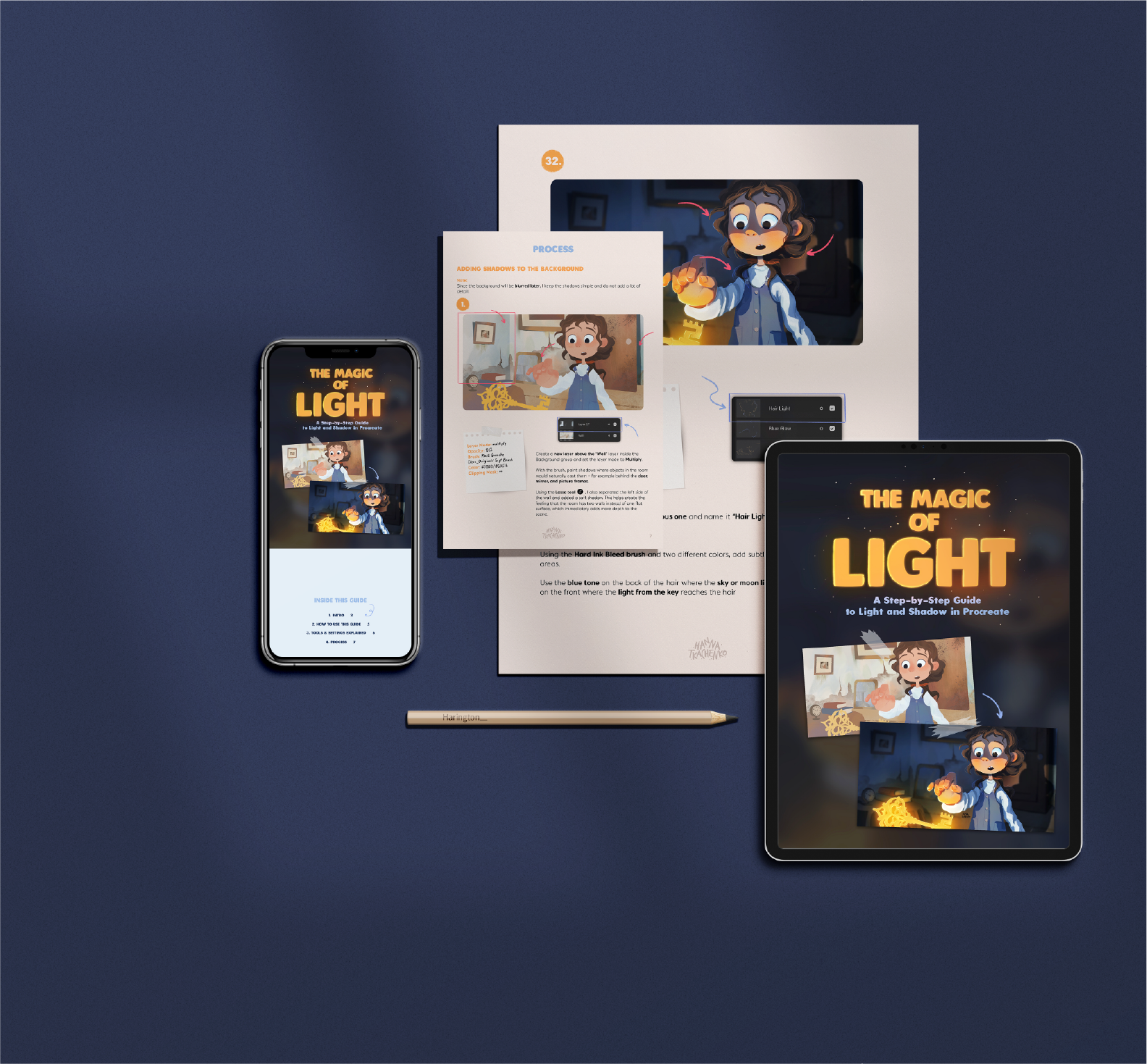
The Magic of Light
A 40-page step-by-step guide to light and shadow in Procreate
✨ Layer settings & HEX colors
✨ Lighting explanations
✨ Before & after process
✨ Brush list & layer modes

14,99 EUR.
Learn how I paint magical lighting in my illustrations from start to finish. This 40+ page PDF guide explains every step of my process, including layers, brushes, blending modes, colors, and lighting techniques used in Procreate and Photoshop.

Brushes & Compatibility
This tutorial does not include the brushes used in the process. Two of the brushes are built into Procreate, and all brushes used throughout the tutorial are listed.
You do not need the exact same brushes to achieve similar results. Feel free to use brushes you already enjoy working with and adapt the process to your own style.
The steps in this tutorial can also be recreated with different brushes and even different drawing software.
After this tutorial, you’ll have a better understanding of how to add light and shadow to your own artwork.